Travel Scam Defense: WiFi, Booking & Phone Safety
Travel Security & Scam Awareness Guide: Digital Safety Steps for Tourists, Solo Travelers, and Business Trips
Travel risks have shifted from pickpockets alone to a mix of street-level scams and fast digital attacks—public Wi‑Fi traps, account takeovers, fake bookings, and social engineering. A few repeatable habits before, during, and after a trip can reduce exposure, protect devices and accounts, and make it easier to recover quickly if something goes wrong.
The most common travel threats (and why they work)
Most travel incidents aren’t “movie-style” theft—they’re quick, low-risk plays that rely on distraction, confusion, or rushed decisions.
- Opportunistic theft: snatch-and-grab in crowded areas, bag hooks at cafés, “helpful” strangers, distraction teams, and even luggage swaps at transit hubs.
- Payment and booking fraud: cloned booking pages, fake support numbers, swapped QR codes, or texts claiming a “reservation issue” that requires immediate payment.
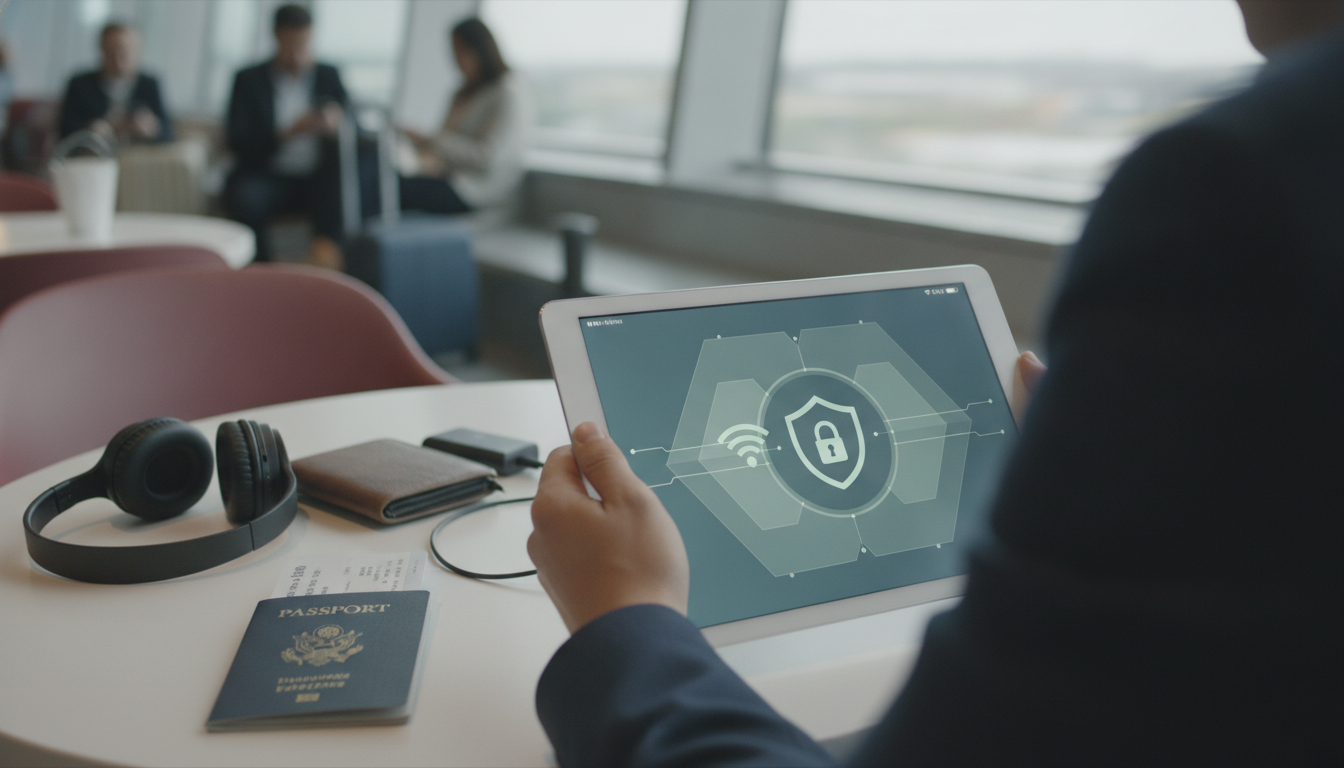
- Digital interception: rogue hotspots, Wi‑Fi eavesdropping, Bluetooth probing, and shoulder surfing where people line up tightly (gates, kiosks, hotel check-in).
- Social engineering: urgency (“your account is locked”), authority (“hotel security”), or sympathy (“I lost my wallet”) to push you into bypassing normal caution.
- Business-trip targeting: spear-phishing that references real vendors, invoices, meetings, or conference schedules to feel credible.
For up-to-date destination risk context, check the U.S. Department of State Travel Advisories.
Before you leave: set your accounts and devices up for resilience
A strong setup reduces the chance that a single mistake (like logging into the wrong Wi‑Fi) becomes a full account takeover.
- Use a password manager and unique passwords for email, banking, and travel accounts. Email is the reset key for everything else.
- Turn on multi-factor authentication (MFA): prefer an authenticator app or security key; avoid SMS when possible.
- Update and streamline: install OS/app updates, remove unused apps, and back up photos/documents to a secure cloud account.
- Create an emergency recovery pack: printed key numbers, offline maps, and a list of card issuer contacts.
- Limit data exposure: avoid posting travel dates publicly, disable lock-screen notification previews, and review app permissions.
Mobile hardening basics are also covered in CISA’s mobile device security guidance.
On the move: habits that prevent theft and reduce digital exposure
- Carry smarter in crowds: keep phone and wallet in front pockets or a crossbody bag worn forward; avoid back pockets and open totes.
- Lock the device every time: use a strong PIN (not a simple pattern), enable “Find My”/locator features, and confirm remote wipe is available.
- Skip public USB ports: use a wall adapter or a data-blocking USB device to avoid “juice jacking” style attacks.
- Treat public Wi‑Fi as hostile: prefer cellular/hotspot; if Wi‑Fi is required, avoid sensitive logins unless using a trusted VPN.
- Guard kiosks and ATMs: cover the keypad, step back from anyone hovering, and decline unsolicited help.
Scam scenarios and what to do in the moment
Scams work best when you’re hurried, tired, or embarrassed. A simple rule: pause, verify, then act.
Common travel scams and safe responses
| Scam pattern | Where it happens | Red flags | Safer response |
|---|---|---|---|
| Rogue Wi‑Fi hotspot (“Free Airport WiFi”) | Airports, cafés, hotels | No password, similar network names, captive portal asking for email/password | Use cellular or verified network name from staff; avoid sensitive logins; use VPN if available |
| Fake booking/support message | Email/SMS/WhatsApp | Urgent payment request, shortened links, mismatched sender domain | Open the booking app/site directly; contact support via official channels |
| Distraction & grab | Tourist hotspots, transit | Bumping, spill/cleanup attempt, petitions, sudden crowding | Secure valuables; move away; refuse engagement; check pockets immediately |
| ATM “help” scam | ATMs, stations | Stranger offering help, device attached to card slot, keypad overlay | Cancel transaction; use another ATM inside a bank; cover PIN; inspect slot |
| Taxi/rideshare manipulation | Airports, nightlife areas | No meter, “cash only,” route deviation, app canceled then driven anyway | Use official queues and in-app rides; confirm plate/driver; insist on meter or end ride |
Solo travelers: visibility, boundaries, and location privacy
Business trips: protecting work data without slowing down
If something goes wrong: quick recovery checklist
For broader identity theft steps and reporting, reference the FTC’s scams and identity theft resources.
A portable reference for staying safe while traveling
If you want a ready-made, quick-reference format, see the Travel Security & Scam Awareness Guide | Digital Safety Handbook for Tourists, Solo Travelers & Business Trips, designed to cover common scam patterns, digital hygiene, and practical prevention steps.
For travelers who prefer checking the time without constantly pulling out a phone in crowded areas, an everyday accessory like the Elegant Women’s Quartz Watch with Sapphire Crystal & Luminous Dial can help reduce “phone-out” moments that invite shoulder surfing or snatch-and-grab theft.
FAQ
Is public Wi‑Fi safe to use while traveling?
Public Wi‑Fi should be treated as untrusted because it can enable eavesdropping and rogue hotspot tricks. Use cellular or your own hotspot when possible; if you must use Wi‑Fi, verify the network name with staff and avoid sensitive logins unless you’re using a trusted VPN.
What should be done first if a phone is stolen abroad?
First, use “Find My” (or your device locator) to mark the phone as lost and lock it; wipe it if recovery is unlikely. Next, suspend the SIM/eSIM with your carrier to stop SMS-based takeovers, then change your email password and revoke unknown sessions before freezing payment cards.
How can solo travelers reduce scam and theft risk without looking anxious?
Rely on calm routines: secure-carry habits, minimal engagement with unsolicited help, planned routes, and regular check-ins with a trusted contact. A brief, confident refusal and moving toward staffed areas is usually safer than arguing or over-explaining.












Leave a comment