True HEPA Desktop Air Purifier: Small-Room Air Upgrade
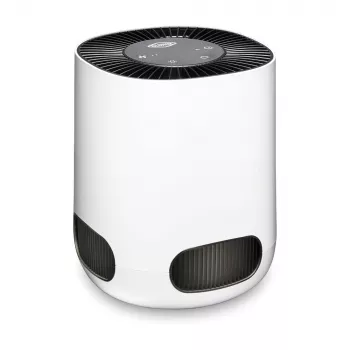
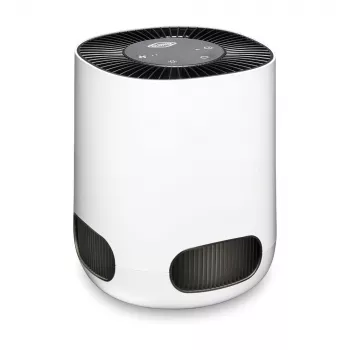
True HEPA Desktop Air Purifier for Cleaner Air in Small Spaces
A compact air purifier can make a noticeable difference in bedrooms, home offices, dorm rooms, and other small areas where dust, dander, and seasonal pollen build up quickly. This desktop model focuses on true HEPA filtration in a space-saving format designed for day-to-day use. When placed well and run consistently, it can help the room feel less “stuffy” and reduce the fine particles that tend to linger in tight spaces.
What a Desktop Air Purifier Can Improve
- Helps reduce airborne particles that commonly trigger irritation, including dust, pollen, and pet dander
- Supports fresher-feeling air in smaller rooms where airflow is limited
- Useful during seasonal changes, wildfire smoke events, and high-pollen days (alongside good ventilation practices)
- Pairs well with routine cleaning to keep surfaces and air feeling lighter
For practical guidance on air cleaners and what to expect, the EPA’s Guide to Air Cleaners in the Home is a helpful reference point for understanding filtration and room use.
True HEPA Filtration Basics
- True HEPA filters are designed to capture very fine particles, including many common allergens
- A multi-stage setup typically combines a pre-filter (for larger debris) with HEPA filtration (for fine particles)
- Activated carbon (if included in a filter set) can help with certain odors and VOCs, though performance varies by filter mass and airflow
- Best results come from continuous use on an appropriate setting for the room size
True HEPA filtration is mainly about particles—think dust, lint, pollen, and fine dander. Odors and gases are different: they generally need activated carbon (or other adsorbent media) plus good source control and ventilation. If the room is prone to stuffiness, improving air movement matters, too—CDC ventilation guidance is a solid overview of strategies that complement filtration (CDC: Ventilation in Buildings).
Key Features to Look For in a Desktop Unit
- Filter type and replacement availability (true HEPA, pre-filter, carbon layer if needed)
- Noise level on low settings for sleep or focused work
- Airflow settings for daytime boost versus quiet nighttime operation
- Footprint and placement flexibility for desks, nightstands, and shelves
- Simple controls and clear indicator cues (when included) to avoid missed filter changes
In a small room, a purifier that’s “good enough” but easy to live with often gets used more—which usually beats a powerful model that’s too loud to keep on. If you’re buying for a bedside table or for calls in a home office, prioritize quiet performance on the lowest setting and a straightforward way to change filters without tools.
Room Placement That Helps Performance
- Leave space around the intake and outlet so air can circulate freely (avoid pushing it flush against walls or clutter)
- Place closer to likely sources: near a desk chair, by a bedside, or where pets spend time
- Keep away from direct obstructions like curtains and stacks of books that can block airflow
- For smoke or cooking odors, use alongside kitchen/bath ventilation and keep doors positioned to guide airflow
A desktop purifier works best when it can “breathe.” Even a few inches of clearance around the vents can help avoid short-cycling (where the unit keeps pulling in already-clean air). In bedrooms, a common setup is a nightstand or low shelf near the bed, angled so the outlet isn’t blowing directly at your face.
Quick Specs Checklist
Use this checklist to compare compact purifiers before purchase and during setup. Confirm replacement filters are easy to find and budget for ongoing maintenance. Prioritize quiet operation if it will run during sleep or calls.
| Category | What to check | Why it matters |
|---|---|---|
| Filtration | True HEPA + pre-filter (and carbon layer if needed) | Captures fine particles; pre-filter extends HEPA life |
| Noise | Low-mode sound level and vibration | More comfortable for bedrooms and desks |
| Controls | Speed modes, timer, indicator lights (if included) | Easier daily use and timely filter changes |
| Placement | Clearance around vents; stable footprint | Maintains airflow and reduces recirculation |
| Maintenance | Filter replacement steps and cost | Predictable upkeep keeps performance steady |
Maintenance and Filter Replacement Tips
Who This Style of Purifier Fits Best
Product Option Available Now
If you’re ready to add small-space filtration, the True HEPA Desktop Air Purifier is a compact choice intended for everyday air cleaning with true HEPA filtration. Keep it running daily, place it with good clearance, and plan for routine filter replacements to maintain steady performance.
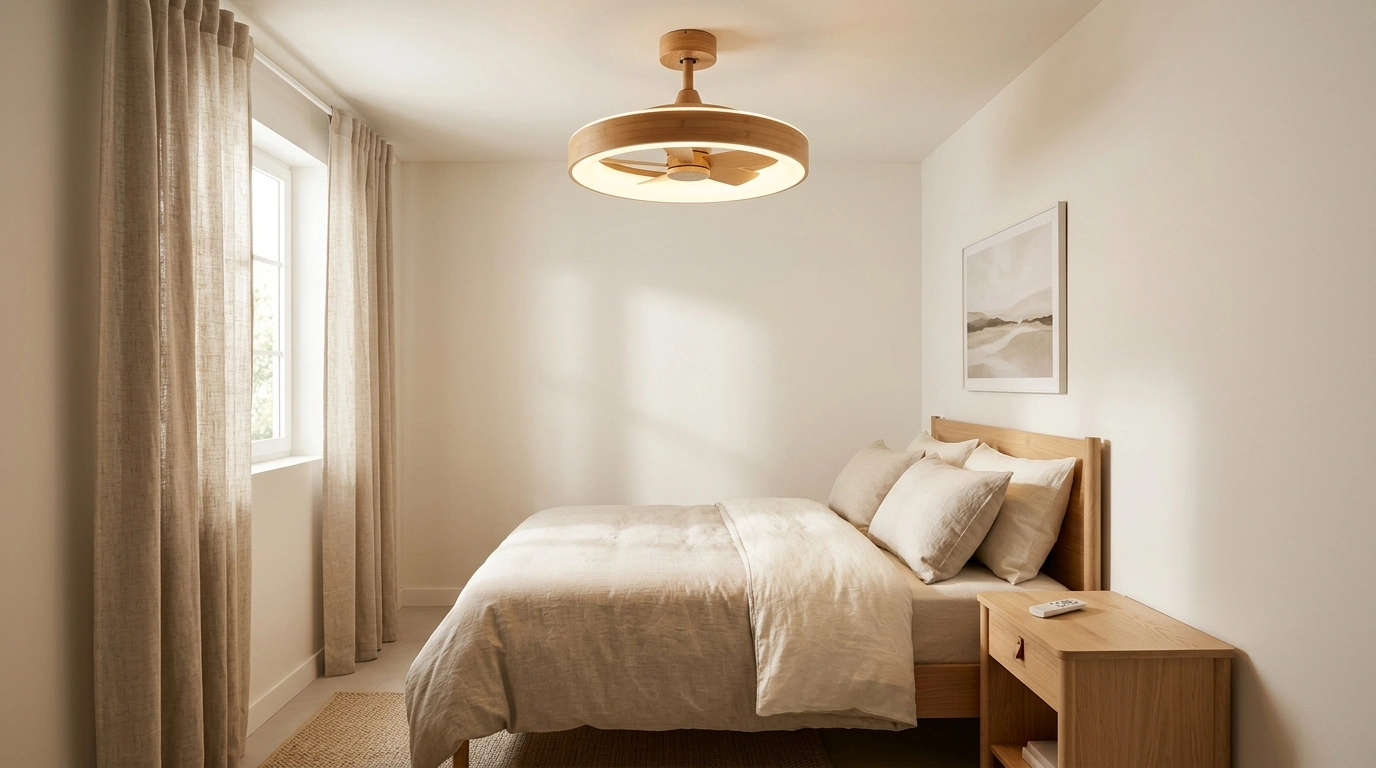
To support overall comfort—especially in warmer months—pairing filtration with gentle air movement can help the room feel less stagnant. Consider the 26.7in Bladeless Ceiling Fan with Light and Remote for low-profile circulation that complements good ventilation habits.
FAQ
How long should a true HEPA filter last in a desktop air purifier?
Many desktop purifier filters last around 3–12 months depending on runtime, pets, dust levels, and smoke exposure. Follow the manufacturer’s schedule when available, and replace sooner if airflow drops noticeably or lingering odors and dust return faster than usual.
Where should a desktop air purifier be placed for best results?
Place it with open clearance around the intake and outlet, not pushed against walls, curtains, or clutter. For everyday use, keep it near your breathing zone—such as on a desk or nightstand—and position doors to encourage better circulation through the space.
Will a true HEPA air purifier help with odors?
True HEPA filtration targets particles, not gases, so odor reduction depends on whether the unit includes activated carbon or other adsorbent media. For stronger odors, combine filtration with source control (cleaning, removing the odor source) and improved ventilation.







Leave a comment